Introduction
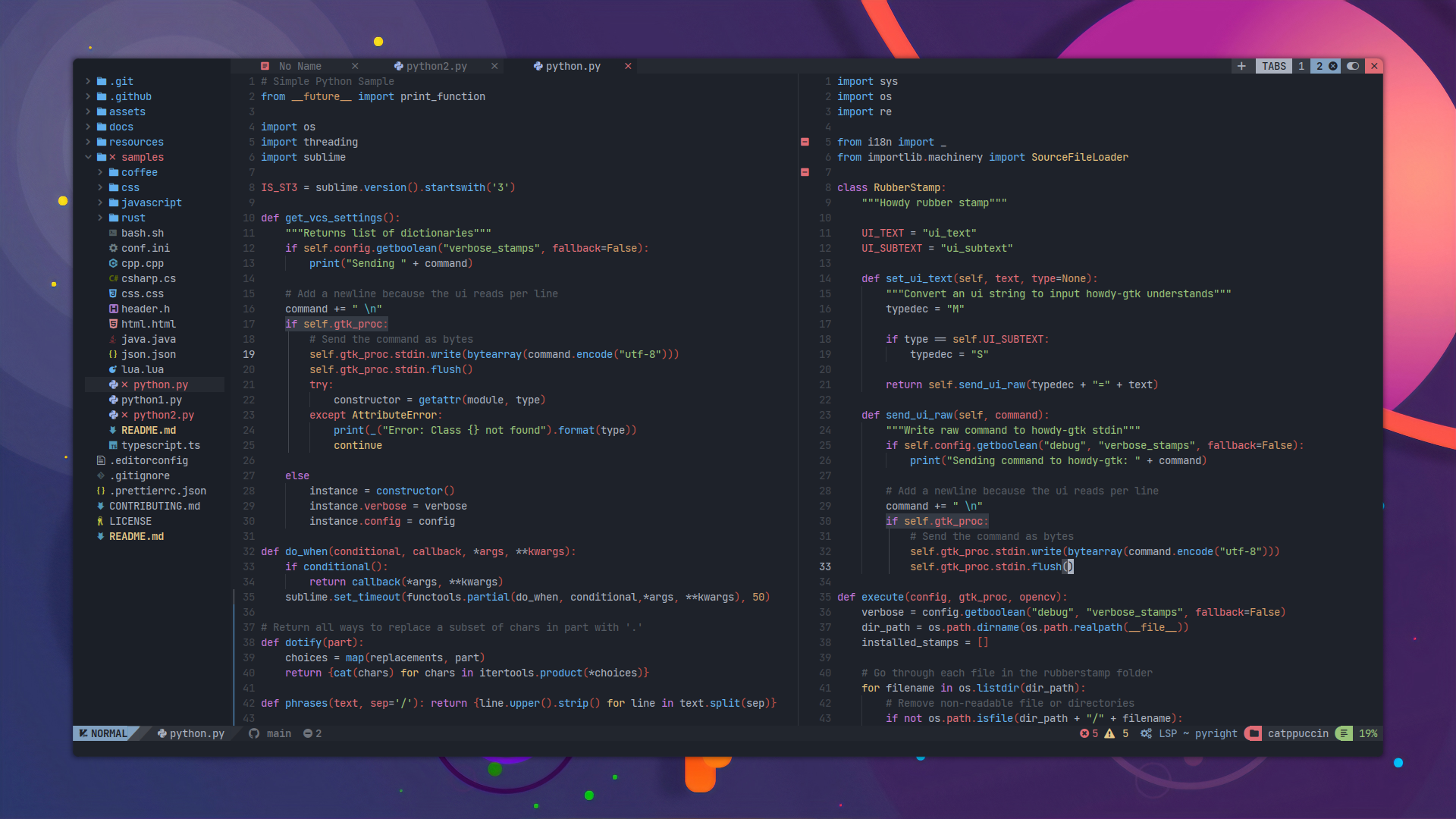
Welcome to the nix4nvchad documentation!
nix4nvchad provides a seamless way to integrate NvChad, a blazing fast Neovim configuration, into your Nix setup.
By leveraging Nix, you can declare your Neovim environment, language servers, and custom configurations deterministically, ensuring your editor setup is identical across all your machines.
Note
This project is designed primarily for use with Nix Flakes. Make sure you have flakes enabled in your Nix installation. See Flakes on the NixOS Wiki for more information.
How it works (Technical Details)
Packaging NvChad for Nix isn’t as straightforward as a standard application package. NvChad is fundamentally a user configuration for Neovim, not a standalone compiled binary.
By default, NvChad lazily loads plugins. On its first launch, it needs to write state files (like lazy-lock.json) and compiled modules to disk. In a standard Linux environment, it writes these to ~/.config/nvim and ~/.local/share/nvim.
However, in Nix, all packages are built and stored in /nix/store, which is strictly read-only. If Neovim tries to run NvChad directly from the Nix store, the editor will crash or throw errors because it cannot write its required runtime files.
The Solution:
To bypass this limitation without breaking the deterministic nature of Nix, nix4nvchad uses a wrapper around the nvim executable. When you launch this wrapped nvim:
- It checks if the NvChad configuration already exists in your home directory (
~/.config/nvim). - If it does not exist, the wrapper automatically copies the immutable NvChad starter files and your custom Nix configurations from the
/nix/storeinto your writable~/.config/nvimdirectory. - Finally, it launches Neovim, allowing NvChad to write its lockfiles and state normally while still respecting the dependencies and LSP servers injected via Nix.
Features
- Home Manager Integration: Easily configure NvChad using our provided Home Manager module.
- Standalone Package: Use it independently of Home Manager by overriding the Nix derivation directly.
- Isolated Dependencies: Manage your runtime dependencies (like LSP servers, formatters, and tools) in isolation. They are made available exclusively to NvChad without polluting your global system environment.
Tip
If you are new to NvChad, we recommend reading through the official NvChad documentation to familiarize yourself with its structure and defaults.
Ready to get started? Head over to the Installation guide.